Let's Begin.
SET UP LOOP
Put the LOOP App on your phone
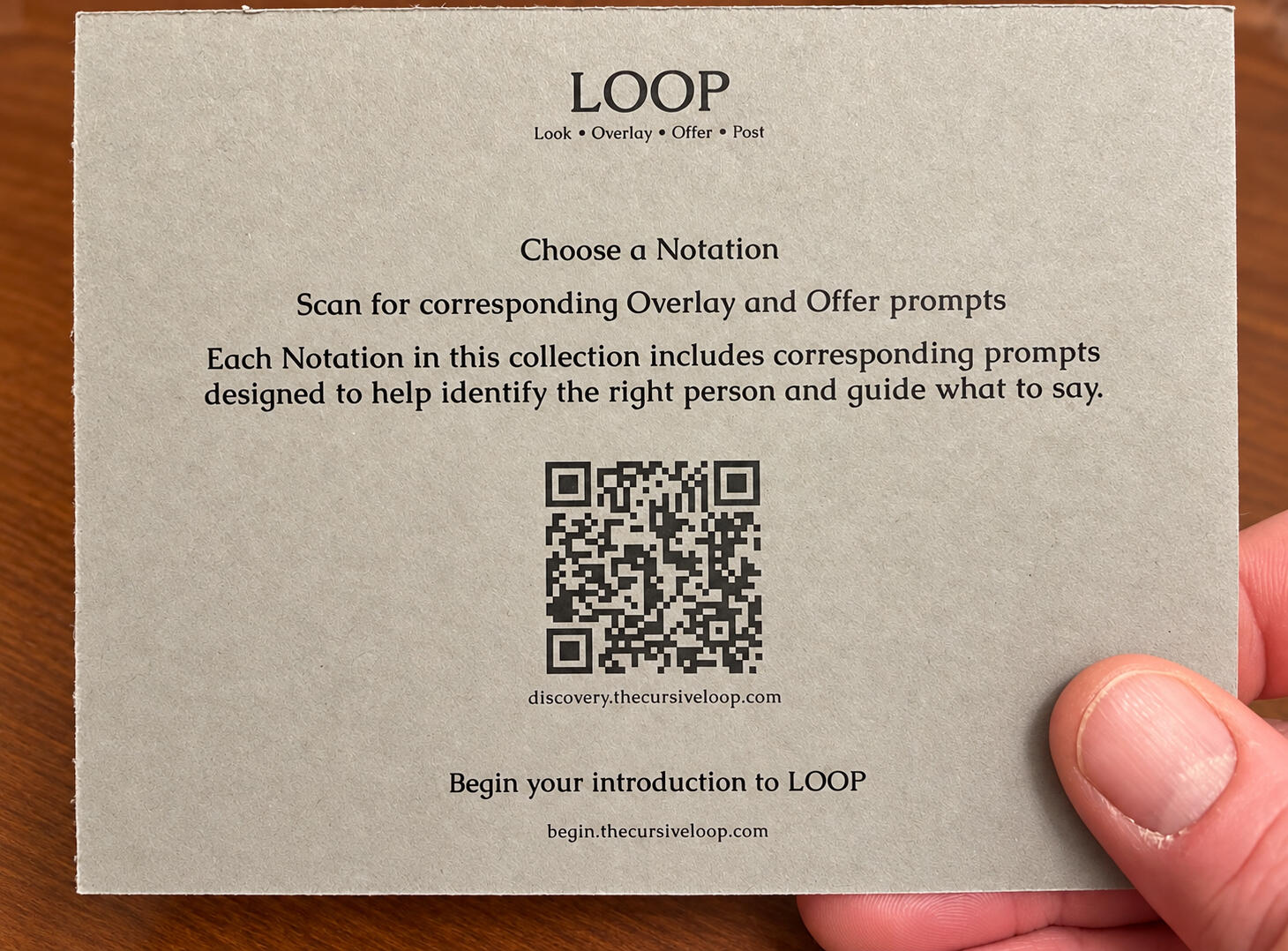
Inside Discovery I, find the Queue Card.
01
Scan the QR code.
It will open the LOOP App setup on your phone.
02
Follow the setup on your screen.
It will guide you through the rest.
03
Add the LOOP App to your Home Screen.
From then on, you can return to LOOP with one tap.
BEGIN
You’re ready.
Take a Notation from Discovery I.
Open the LOOP App from your Home Screen.
Begin with the words in front of you.